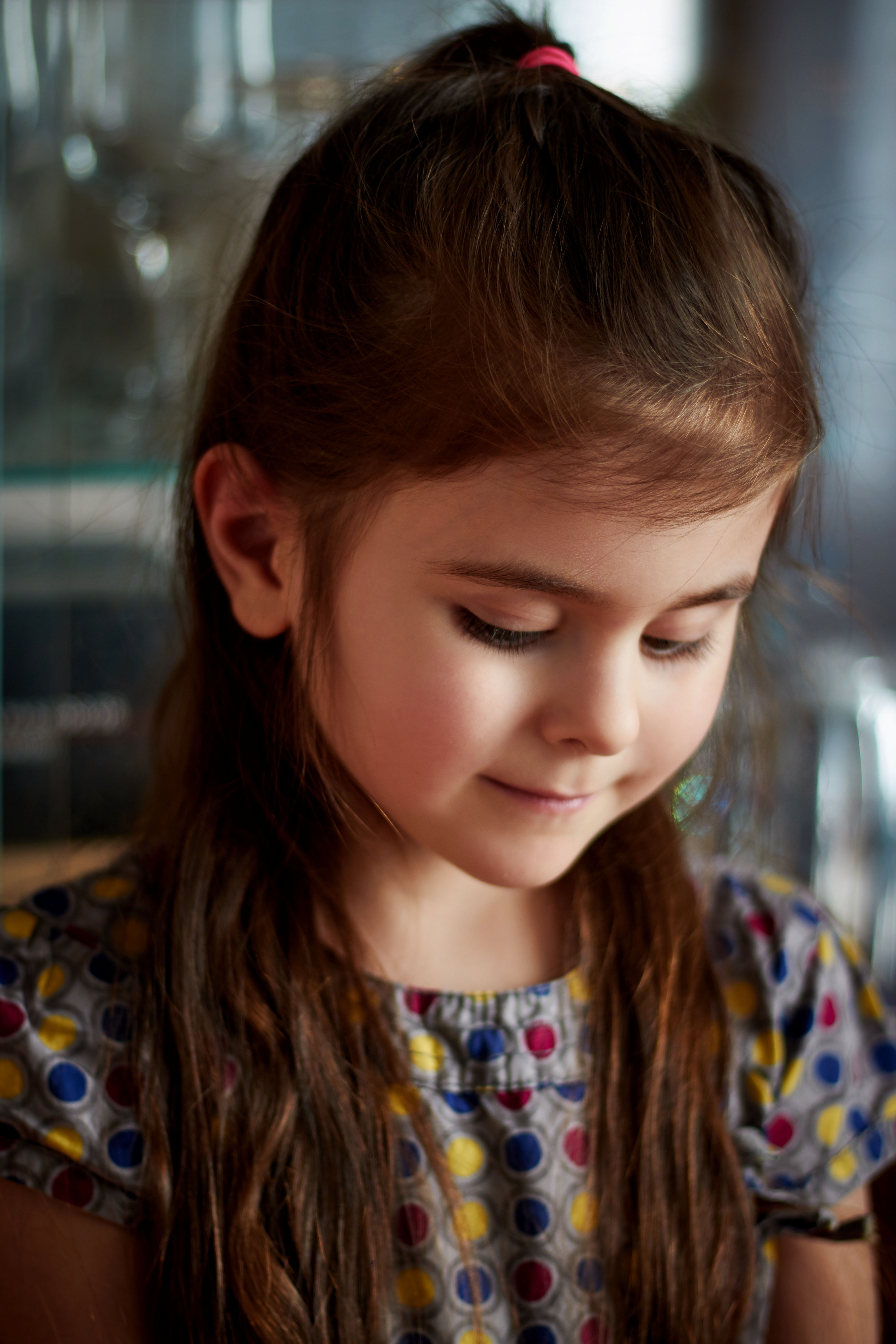
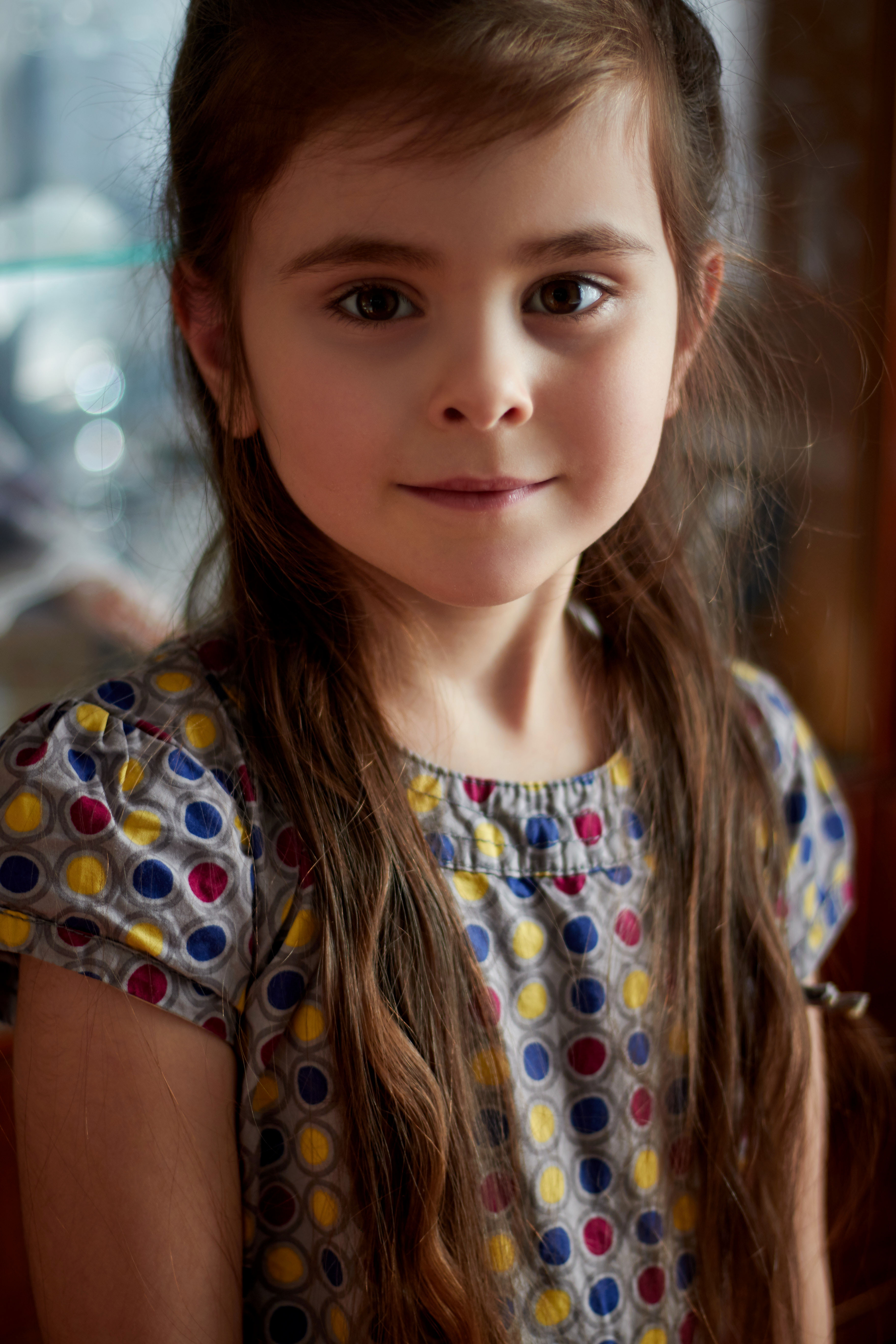
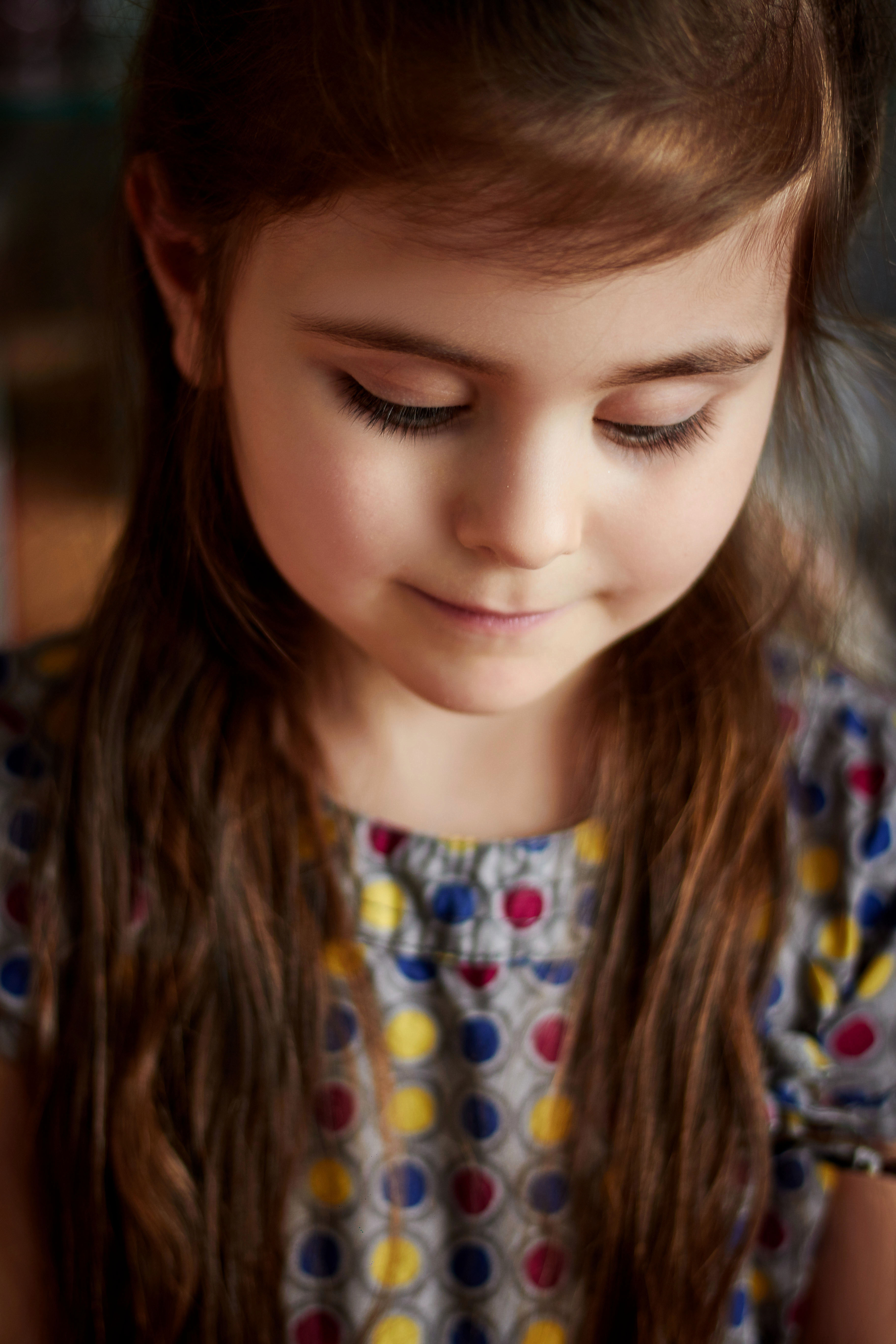
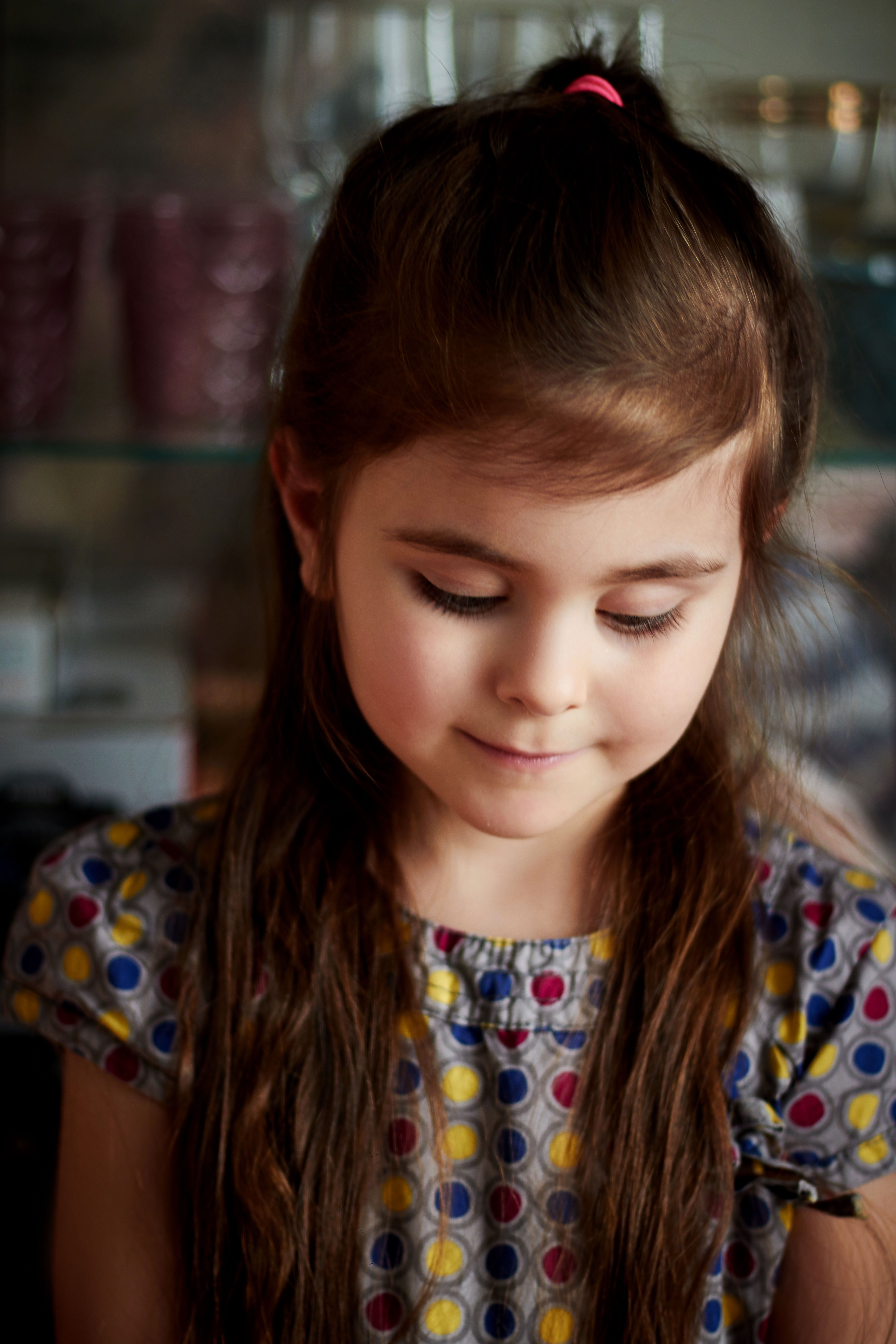
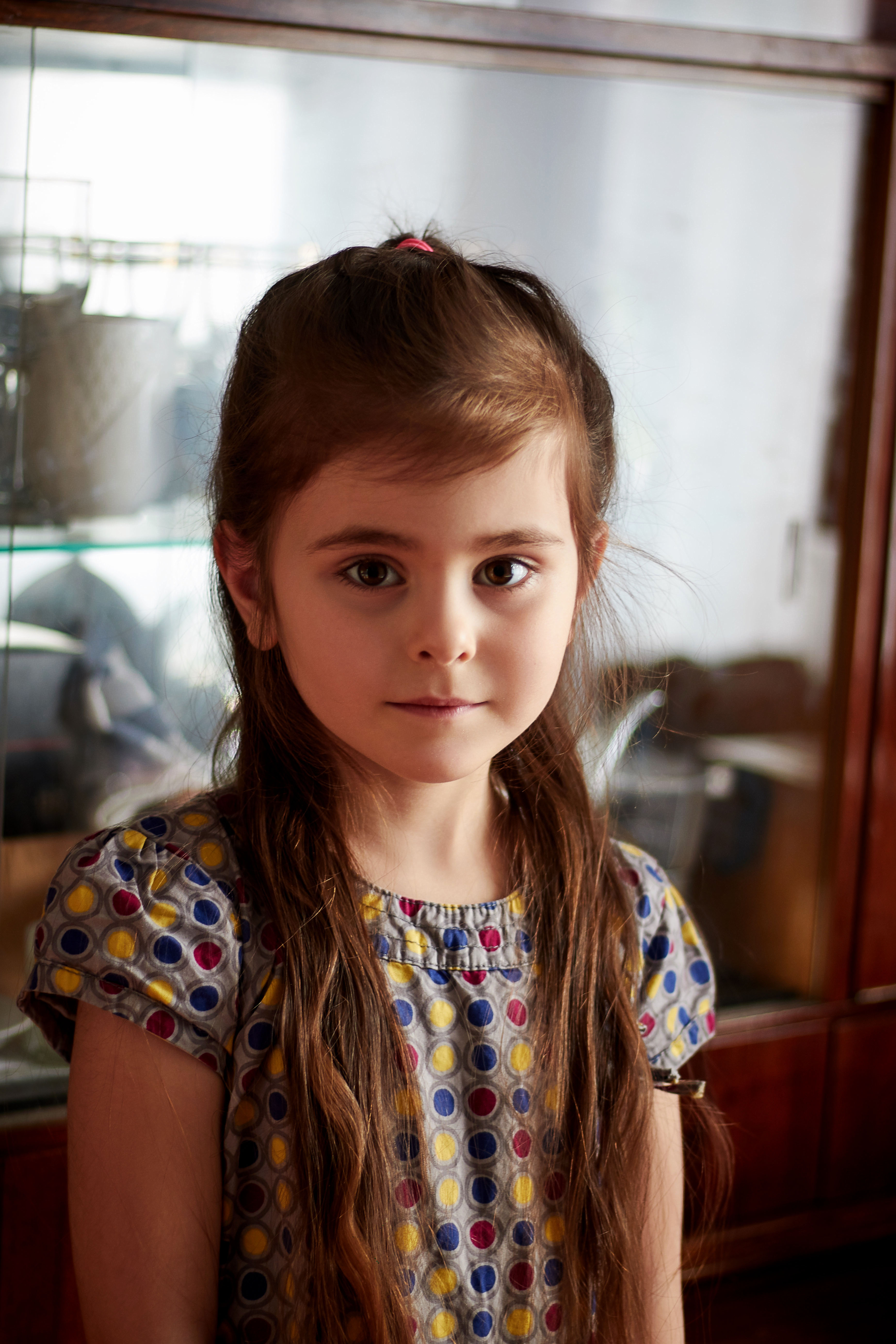
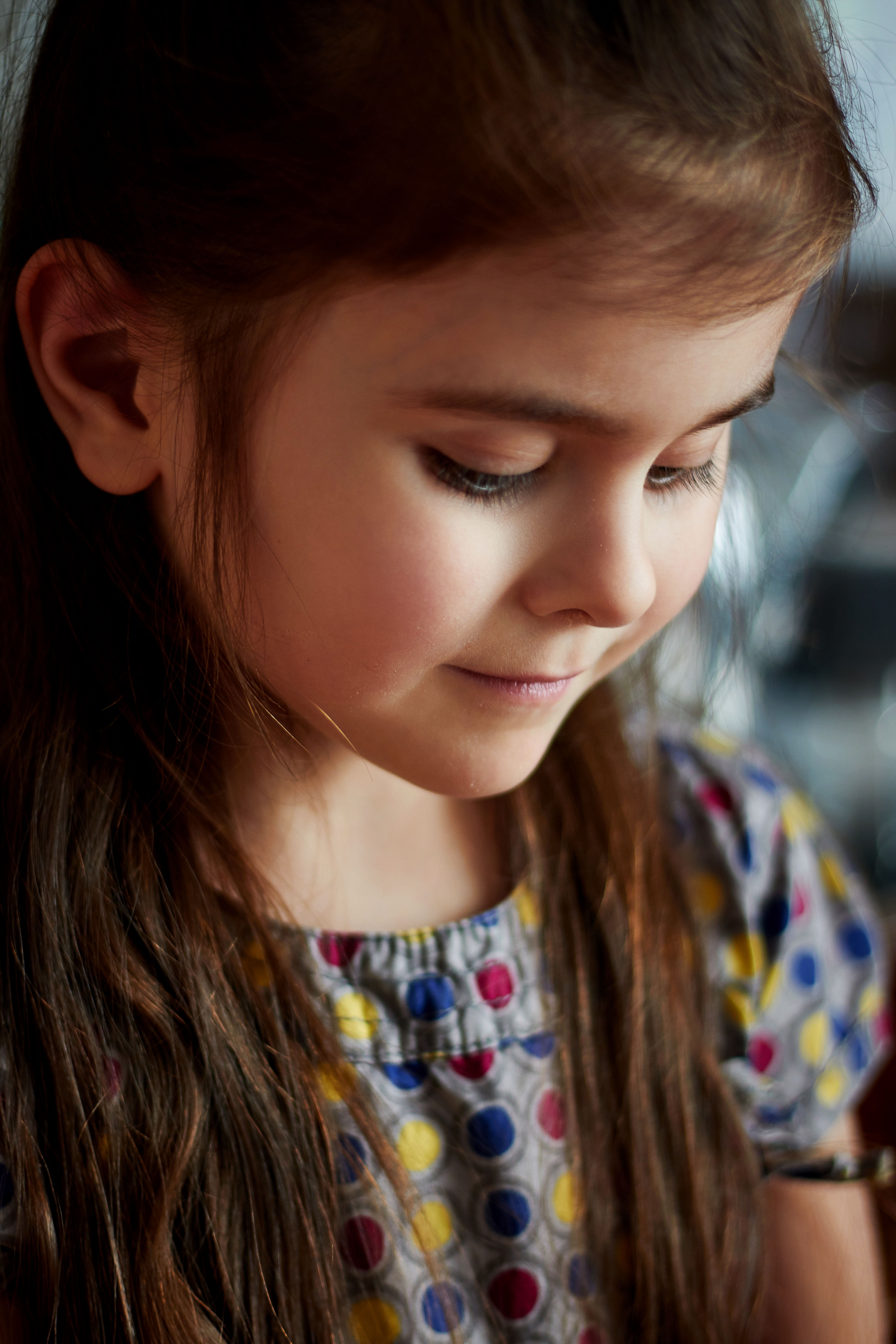
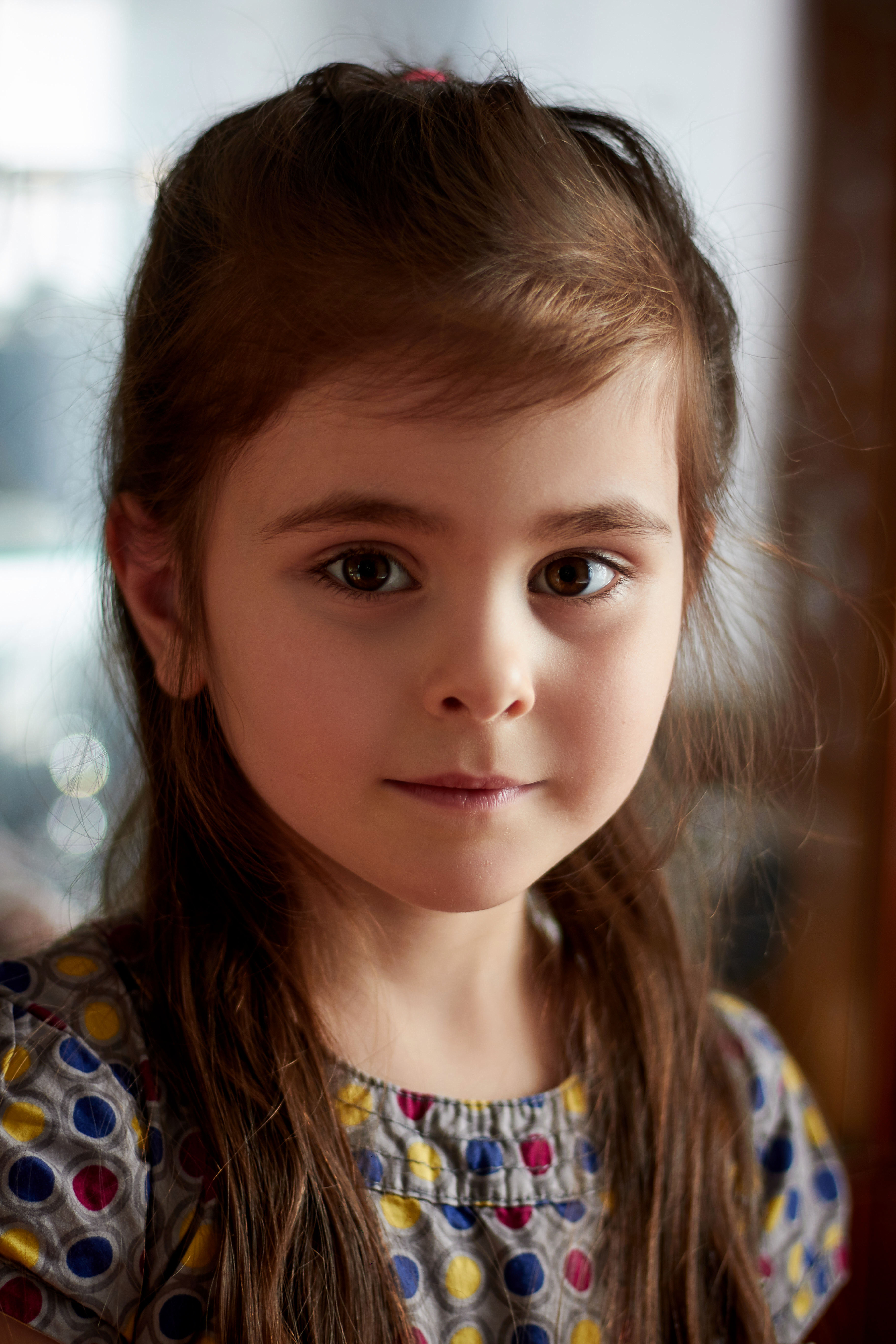
My passion is creating portraits. Portraits occupy not a small part of my blog. I like to come up with new compositions and colors for portraits. Each of my processing is slightly different from the previous one and resembles every step. I use two programs for processing portraits.
Capture One helps me edit portraits by color and choose the right tone in a warm or cold hue, it all depends on my mood and look at the nature of the portrait.
As you noticed, my daughter often acts as a model. I like to take children's photos and especially portraits. Children's facial features are fascinating and you want to plunge into the children's period of time.
Next, I use Photoshop and already more globally deal with each portrait individually. I remove the unnecessary pimples and shadows from the face, that is, I make the face more pleasant and clean from the point of view of Photoshop.
Also here I add a little contrast and sharpness and create volumetric parts of the background in detail.