
Black and White photography sounds easy, but it isn't.
Monochrome Minimalism
Black & White Photography
This is my contribution to this week's Theme Contest by @PhotoFeed: Black & White Photography.
There are still a few days left in the contest, so if you want to participate and win a few extra Hive, then just click here: https://ecency.com/hive-153349/@photofeed/photofeed-theme-contest-black-and-white-photography-3.
At the end of my post I will try to explain why I believe Black&White Photography isn't that easy, although the images I am posting here today have been relatively easy to edit into monochrome because due to the foggy morning the whole scenery at the lake was more or less in monochrome anyway.
Last Sunday morning was very foggy and you could hardly see the other side of the Lake - perfect conditions for a minimalist photo of a lonely sailboat. It was a little bit windy and so I had to use Photoshop not only to convert the image to monochrome, but also to get rid of the ripples in the water.
 [click for fullsize] |
Right beside the sailboat there was a lonely orange buoy having a morning swim and of course, I had to take a photo of this lonesome swimmer.
 [click for fullsize] |
Later, on the other side of the lake I spotted a platform which swimers use to have a rest or for sun bathing. The fog was as dense as you can see in the image.
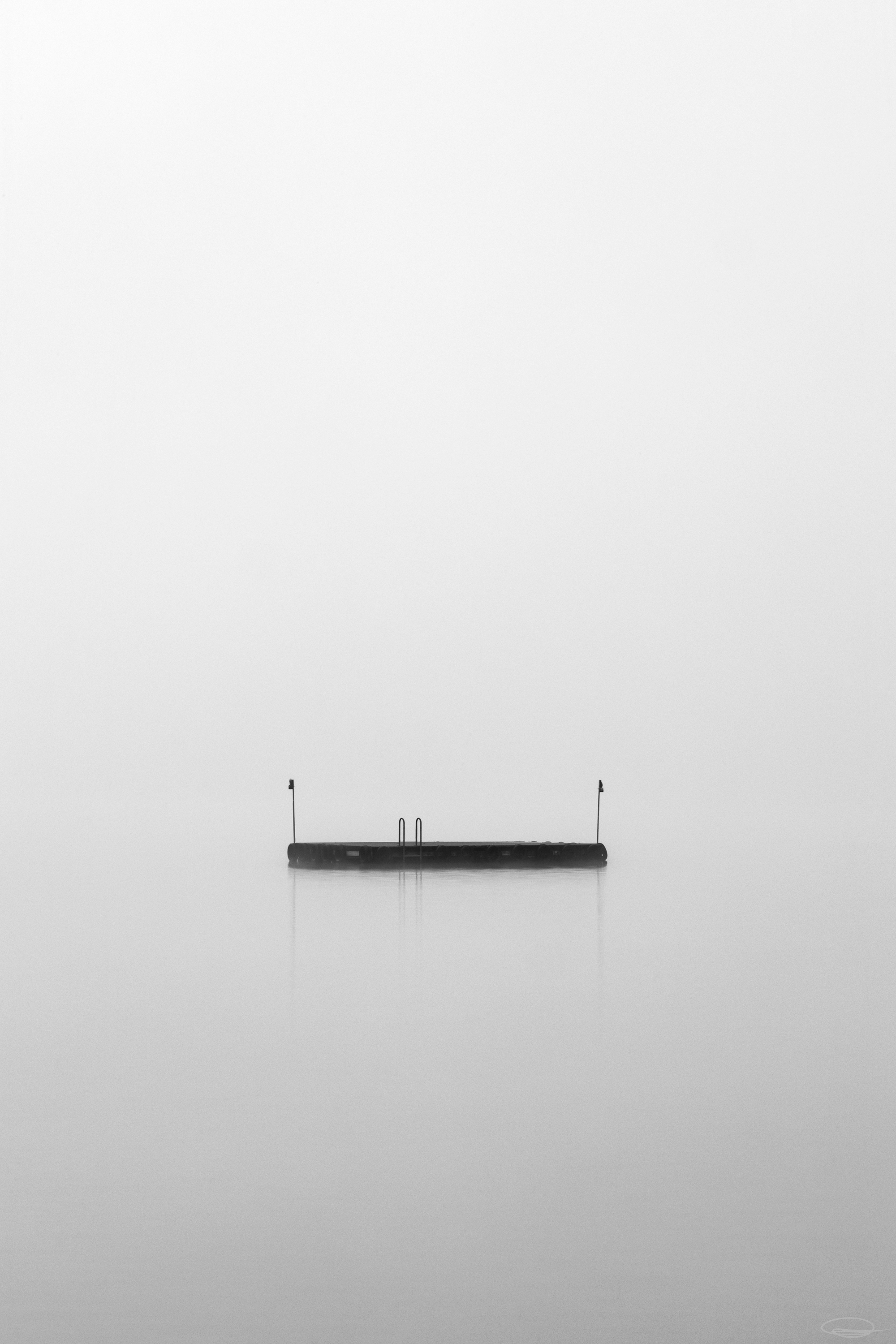 [click for fullsize] |
That was my last photo for today, now to the "educational" part of my post ...
So, as said in the beginning, Black&White Photography isn't just converting a color photo to black and white in Photoshop. No, dear visitor, lights and shadows play the main role, as well as the different colours will result in different shades of gray from white to black.
Also there are different methods to convert an image to monochrome and depending on the method you use, the colours might have a different shade of gray in the end. In the following example I have used 2 adjustment layers and the screen method gray and each resulted in different shades of gray ... I was surprised myself 😉
 [click for fullsize] |
I'm by no means an expert in Photoshop and especially not in Black&White Photography. Also, it's still exremely hard for me to "think in black&white", so please don't take this as advice, but maybe as a simple example of how colours might look when you let your photo editing software do your work the artist should do.
Mostly, if I have more colourful images than the above ones, I oversaturate the colors or better said the whole image will look awful colourful before I use the Adjustment Layer "Gradient Map" to convert the image to black and white. I also do a lot of dodging and burning (lighten brighter parts and darken darker parts of the image) to generate a more 3-dimensional image.
Not everyone likes monochrome photos - beauty is in the eye of the beholder - and many people think, you just have to convert an image to Black&White by a click of the mouse. So I hope I was able to explain that Black&White Photography isn't as easy as it seems ... and I do know that my photos are far from being perfect examples 😁
Information
All photos were taken with the Canon EOS R and one of these lenses: Canon RF 24-105mm f/4 L IS USM, Canon RF 70-200mm f/4 L IS USM, Canon EF 16-35mm 1:4 L IS USM, Canon EF 50mm 1:1.8 L STM, SIGMA 105mm 1:2,8 DG MACRO HSM, Sigma 100-400mm f/5-6,3 DG OS HSM C.
If you are interested in the image data, I leave all EXIF and IPTC information stored in the pictures.
If you like my work I would appreciate an upvote, nice comment or maybe you want to share my post on your blog 😊 ... and maybe you would like to follow me, so that you never miss a post from me.
Thank you so much for visiting my blog
take care, stay safe and healthy,
Photos and Text: @johannpiber | Johann Piber | All rights reserved - do not use without my permission
Please contact me if you would like to have one of my photos in full resolution.
> Have a look at my NFT's on the Foundation Plattform
> My Photos are listed at the OpenSea NFT Marketplace
>>> Twitter/JohannPiber <<<
>>> See my posts on my Pinmapple Profile Map <<<
It says "Thank you for partnering with the +++ You can win HBD Hive Dollars +++ Do you want this Badge?If you like this badge and if you want to help too, |
 @combination
>>> Not got a Hive account yet? Sign up free here! or here <<<
2021-11-03
#hive5 from Austria 🖐️