
CLICK IMAGE TO EXPAND
%205%20-%20PS.jpg)
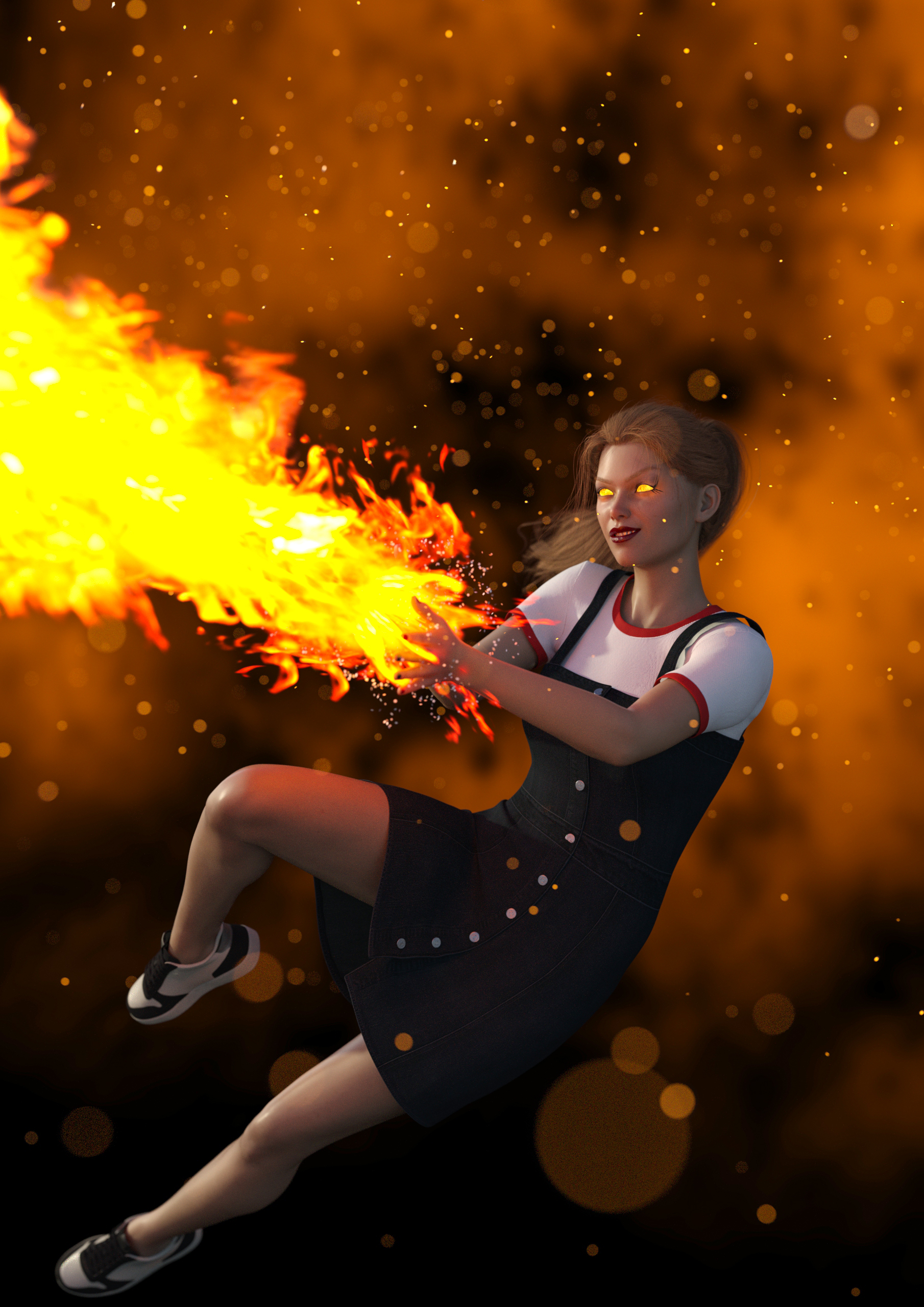
I think the Tarsa character is really neat. And I was feeling a little adventurous. So I decided to depict her jumping to the side, making herself a harder target to hit by moving. Simultaneously creating a great fireball and vanquishing her enemy…with an evil look on her face :)
Using Daz3d Studio and Photoshop
Started with a Genesis 8 Female Template.
I morphed the body, changed her position and facial expression, plus added shoes and a dress.
I added hair and a shirt…plus positioned the hair to the side to give it a sense of momentum.
Gave her a more sinister look…fiery eyes, lipstick, eye-makeup and nail polish.
Add a black background, with dark orange smoke and fireflies.
Added a fireball and sparks coming from her hands.
This is the final render in Daz3D Studio…with a little exposure enhancement in Photoshop. I also added a narrow depth of field to slightly blur out her pony tail, fire stream and her left foot.
Tools and assets used:
Daz3D Studio, Iray and Photoshop
Chiquita Genesis 8 Female Template
Hotba Hair
DMO Clothes
SYMM Hand Flame and SYMM Hand Sparkles
HDRI Lighting
Infinity_Cove Background with smoke and SY Confetti Ceiling (fireflies)
In Summary:
- I start out with a model template and morph the body physically.
- I put the body into a position, change facial expressions, add makeup, dress the model, add skin texture, props, etc…
- I either can embed the character into the background or wrap the environment around the character, then add lighting and camera settings, like depth of field.
- Rendering times can take 10 minutes to 2 hours per render.
- Postwork in Photoshop (adding imperfections in the skin, changing atmosphere, creating depth of field, etc…)