
How to create a "dynamic B&W" image with Lightroom [Video Inside]
Words
188
Reading
1 min
Listen
Play
7y
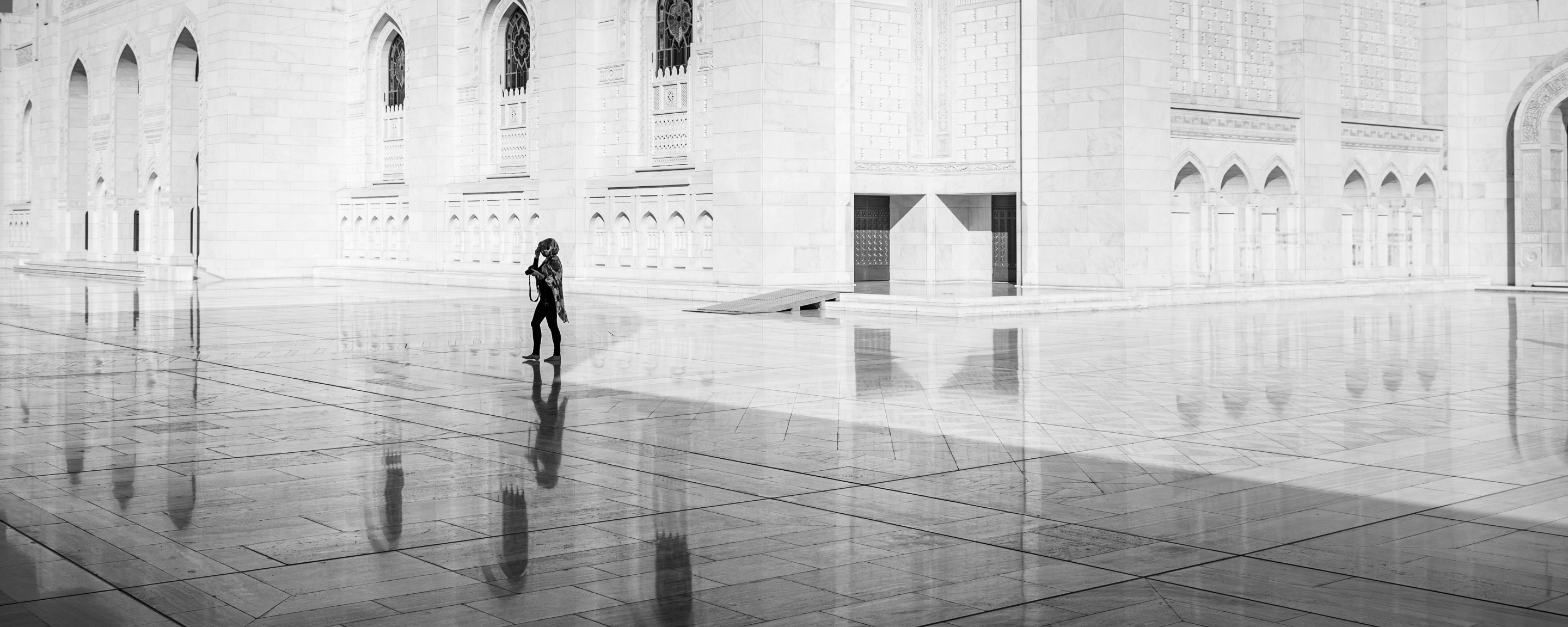
| Camera | Lens | Aperture | ISO | Shutter S. | Focal L. |
|---|---|---|---|---|---|
| Nikon D750 | Tamron 24-70mm G2 2.8 | F5.6 | 100 | 1/1000 sec | 29mm |
Please make sure to watch the photo in Full Screen
Good day guys!
Today I want to show you another Lightroom Editing Video on how I go through a few simple steps to create more "Dynamic B&W" images from a particular "boring" image.
Let me know in the comments on how you like this series and what I could improve on taking the videos.
Cheers :))
Original
“As you can see, the original image looks kind of flat, almost like washed out. Still, the focus was on the subject in the middle which made it more easy for me to edit”
Final Photo
Before/After
HOW TO CREATE A “DYNAMIC B&W” IMAGE WITH LIGHTROOM
Please make sure to Like & Subscribe to my still very small YT channel :))
| Country | Location | Year |
|---|---|---|
| Oman | Muscat | January 2019 |