
Sometimes us old timers in Steemworld forget what it's like to be a newbie and trying to figure out what's what, who's who, and even how to create an upvote worthy post. We thought a series of posts on 'how to' might be useful for newcomers, especially those who've landed themselves within the Lotus Tribe at Natural Medicine.
This first post is about formatting a good post. Three essentials must be your starting point - great formatting on bad content won't help!
- Be unique and original
- Source your photos and referenced text (don't plagiarise!)
- Check your spelling and grammar.
Additionally, our community has certain expectations for good content - you can refer to the content guidelines here. We appreciate posts which
- tell a personal story (just science can be so dry!)
- refer to studies, data and research if applicable
- make an effort!
Here are some formatting tips that might just want our curators to alert Curie and other curation teams that your posts deserves some extra love - let alone our Lotus and Natural Medicine whales!
Firstly, we'd like to say that most of these can be found by using Steempeak for your drafts. However, to save you scrolling to the top of the page every time you want to use any of the features below, you might like to learn some of the basic codes below.
Headings, Bold & Italics
Divide your content - big slabs of text can be boring to read! Simply put 1 to 7 hash tags in front of your text to create varied sizes of headings. Too easy!
# Heading ##### Heading
Hashtags will make your text smaller or larger, and bold.
*italics* break up your writing
**bold** or create emphasis
***italics and bold*** by using variations of bold, italics or both!
Arranging Images: Left, Right Or Centre?
Whilst it might not always be easy to tell if your image is sliding over to the left or right, on various front ends or mobile devices it may appear off centre, which can look pretty awful. Insert your image in the middle of centre code to make sure it's going to centre. You can do the same to centre text.
<center>Insert Image Here<center>
It can look really fabulous to see a slab of text to the left or right of a long section of text. You need the div class code for this - try keeping it on a sticky note on your desk top so it's easy to cut and paste when you need it, or, in a draft in Steampeak (we love Steempeak for drafting - super hot tip!)
<div class="pull-right">
Image Goes Here
</div>
TEXT GOES HERE
Oh, and can you see the line above and below?? That's an easy one! Use this code: <hr>
Want two images to sit side by side, or align your text in columns? Experiment with the following code. We totally recommend using Steempeak, as you can see the effects of your code on the right hand side as you write it.
<div class="pull-right">
Image Goes Here
</div>
<div class="pull-left">
Image Goes Here
</div>
Adding Numbered Reference to Cite Your Sources
<sup>Number Goes Here</sup>
We really like posts which reference studies and research when you're making claims about the benefit of a particular herb or plant. You can paraphrase, such as saying something like, 'Studies suggest that posts who reference scientific journals are more likely to receive bigger upvotes1', or 'according to 
See those little numbers? You can make it clickable too, or simply put the link at the end of the post in a numbered list. To make it hyperlinked, try this code:
<sup>[1](post link goes here)</sup>
This code is actually just really nice to do fine print, like this:
Support Natural Medicine by delegating here
Which of course, leads us to..
Creating Hyperlinks
Hyperlinks are good to refer back to previous posts or to blogs. For example, you might like to tell people about the latest contest by [words here](text here)
Adding a Quote in an Insert
> makes your writing, like a quote or an important message. Try using > plus **text** -- > ****
which would look like this.
Try A Table When Listing
- We so rarely see this code on Steemit posts, but it look so GOOD! You can create a bullet point list simply by using
-before your text (see the bullet at the start of this line) - but why not try this code?
HERB | USES | GROWING? YES/NO
-| -| -|
Lavender | Calming, Sleep | Y
Peppermint | Digestive, Pick me Up | Y
Mint | Mojitos | Y
NaturalMedicine | Lotus Love | Y
| HERB | USES | GROWING? YES/NO |
|---|---|---|
| Lavender | Calming, Sleep | Y |
| Peppermint | Digestive, Pick me Up | Y |
| Mint | Mojitos | Y |
| NaturalMedicine | Lotus Love | Y |
Make Your Images Pop - And Source Them!
This is great when you're really featuring images. Oh, and please, please source your images! It's fine to use images from, say, Unsplash, which are free to use, but do make sure you credit them! Never pass off the work of others as if it's your own - it's really easy to check!
[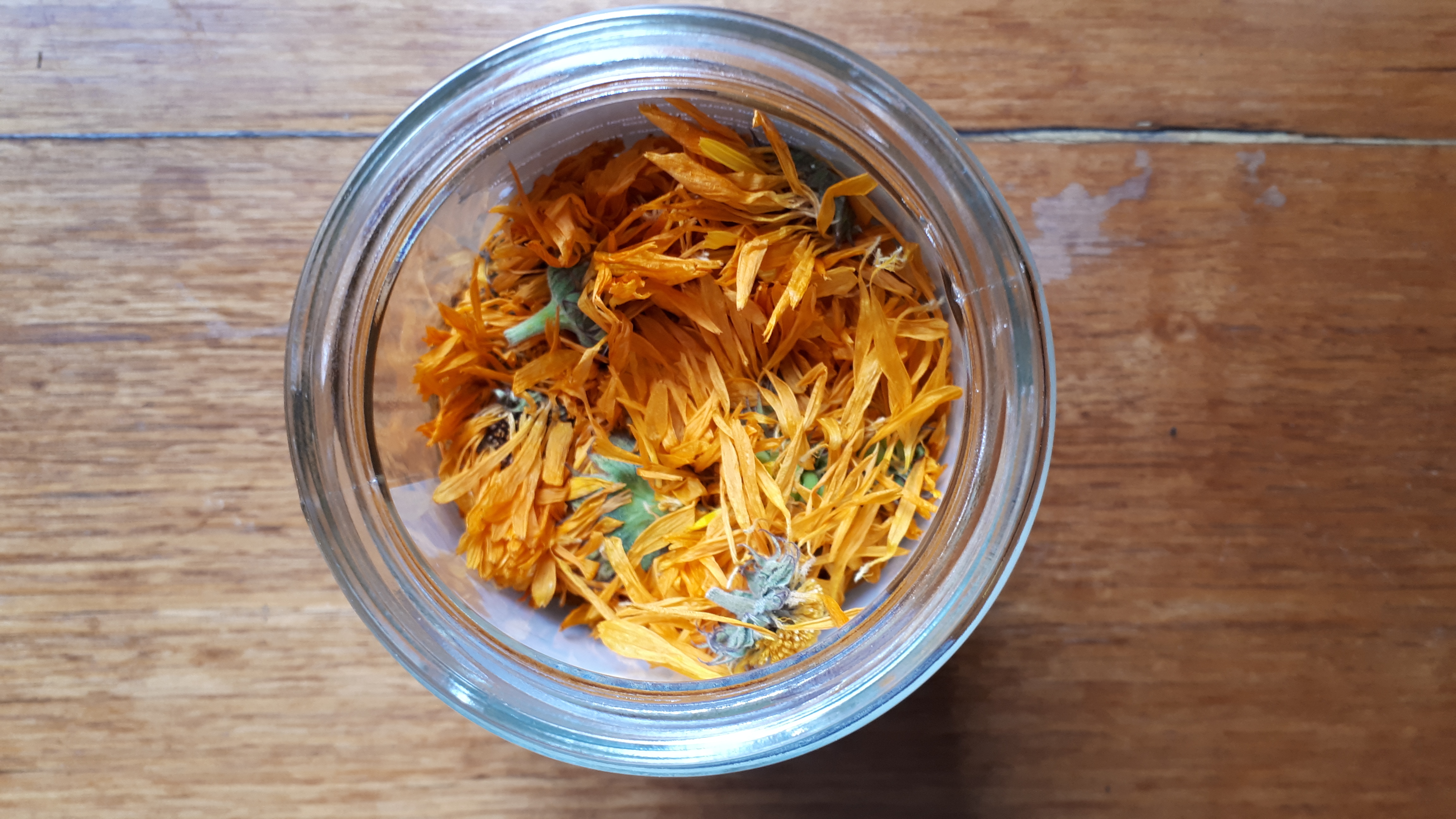](https://steemit.com/@naturalmedicine)
[IMAGE SOURCE](Link to Webpage)
Make your Thumbnails Count by Using Apps
Often, the thumbnail can get you an upvote just by inviting people into your post! Try using an app like Sparkpost, and make your thumbnail the right size. 
Got a formatting tip we haven't mentioned here?
For a chance to win 5 Steem + 50 Lotus, post your best formatting tip here!
 @uplotus