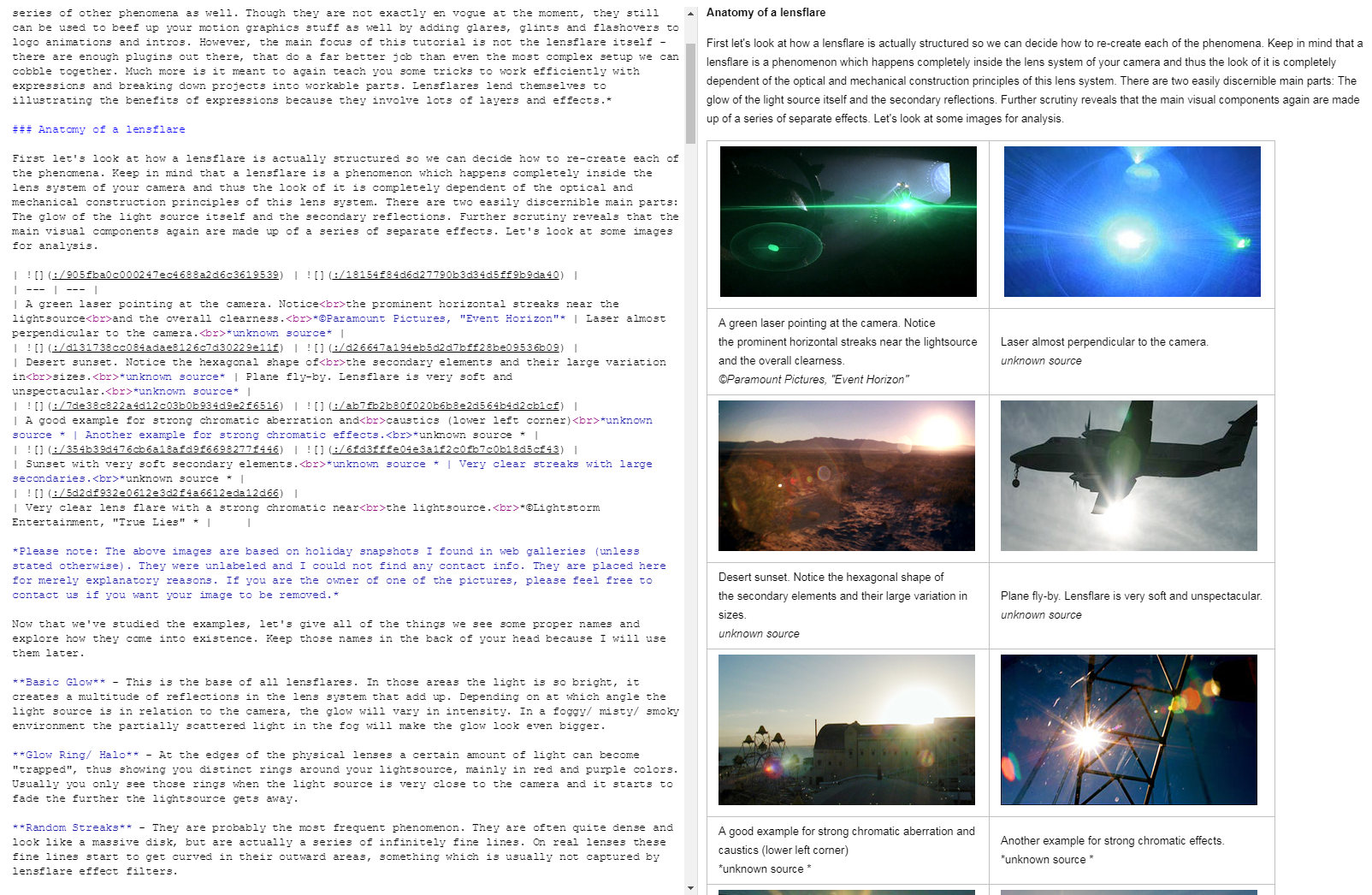
Simple comparison Evernote vs. Joplin. The same full-site copy created with Evernote's Web Clipper then imported to Joplin. Evernote can't even show it correct in its viewer.
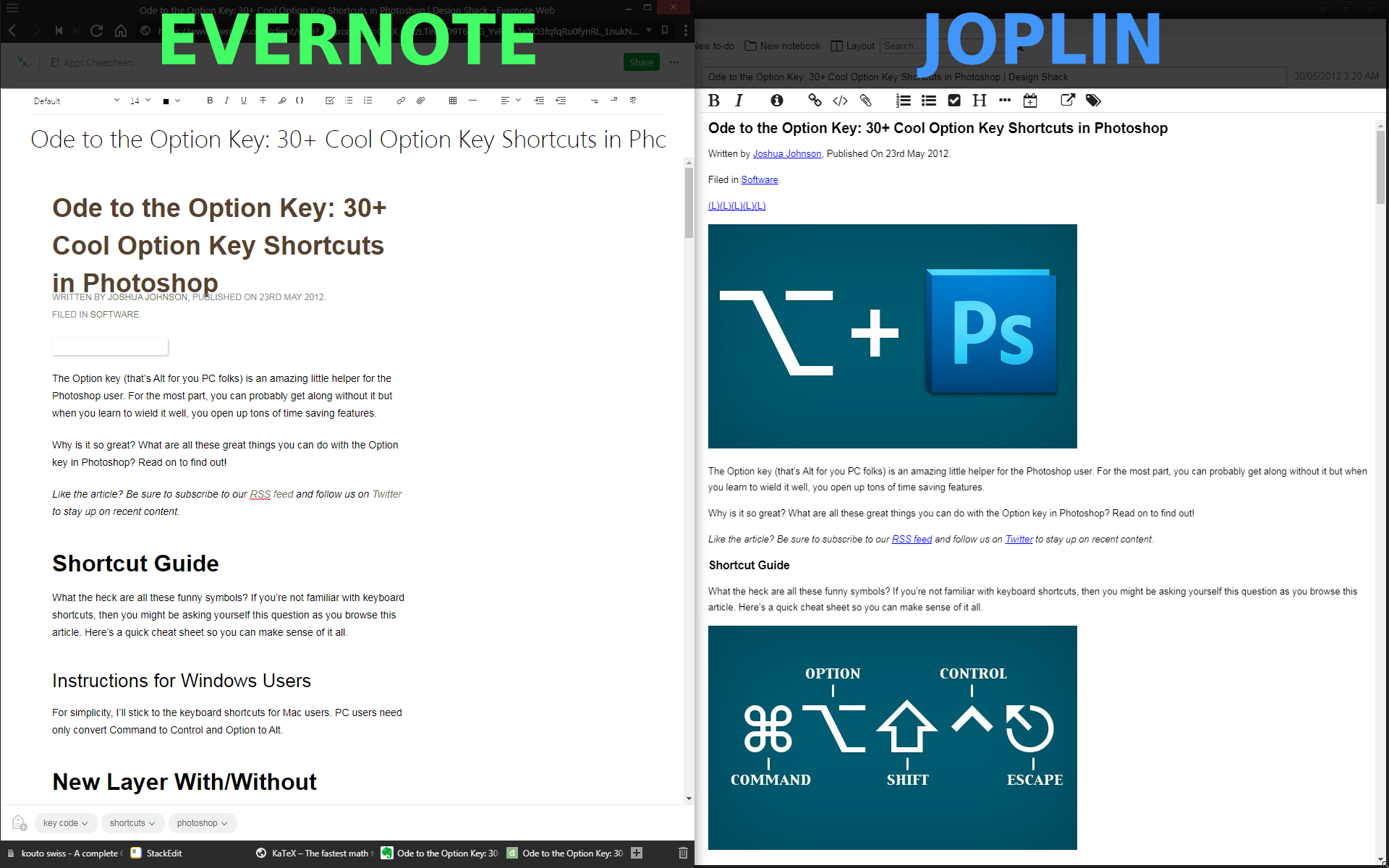
As 100% paranoid I trust only things that stay with me, that's why I write notes and save part of webpages to local storage. A long ago I started to use Evernote, that time it was almost only solution for such kind of task. But Evernote is terrible, really. Well, if we write a note with Evernote WYSIWYG editor then no problem, but if you saved web-page or even its part then problems stars. Evernote is trying to keep original HTML/CSS formatting of page and adopt it for internal editor, but its viewer can't show it identically, moreover it doesn't allow edit raw code of saved elements. It feels like fight against MS Word.
For the reason I have a lot of broken and unreadable notes in Evernote postponed to "someday-edit". But I will never fix them, it's impossible except rewriting everything with hands, but I don't want to do it with Evernote, who knows how it will be works tomorrow. :)
A time later I found another organizer Laverna, it allows to solve some problems of Evernote with text notes, and Markdown format guarantees that data could be saved even in worst situation. But Laverna has ton of critical bugs, it’s just dangerous to work with it because next release could brake everything. Here you can read why I hate it.
Finally, I found quite perspective Evernote alternative, at least for desktop, like Laverna with no critical bugs but much better. :) Joplin brings together better of two worlds: Markdown layout with inline HTML code. When features of Markdown not enough for well looking formatting just add HTML code, or even use TeX syntax. Joplin works with extra fast TeX math rendering engine KaTeX what allows to view notes containing hundreds of math notions and symbols just for a second.
PROS:
- Live-editing with third-party software. Finally, you can fix and organize note with Vim (for example) and all changes will be transfered to Joplin note immediately on save.
- Fast processed math notations with KaTeX.
- Batch import/export MD files.
- Multiple syncing options: local disk, OneDrive, Nextcloud, WebDAV, or Dropbox.
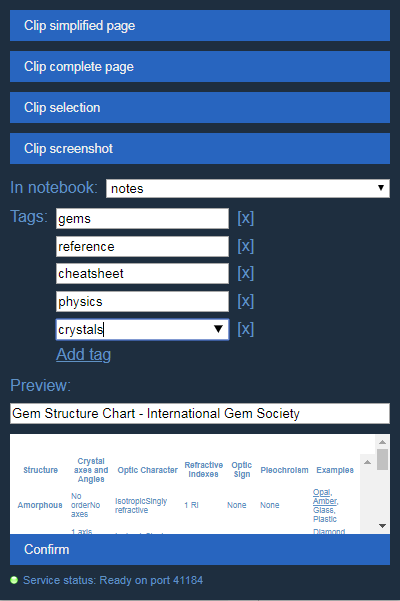
- Web Clipper. Not so universal with Markdown like Evernote analogue, but personally, better then Evernote's, because reduces unusual HTML, convert common elements to correct Markdown code and allows to edit a note deeply. Clipper can save part of web-page as image file, reduce image size and add link to full version.
- Evernote's backup file format support for import (only notes and tags, not notebooks).
- Local resources, images and any other file format as links. Inserting images from the clipboard also supported (but it can increase storage size, because uncompressed PNG).
- Cross-note links in body.
- Quick response for issue reports.
- Inline HTML code rendering.
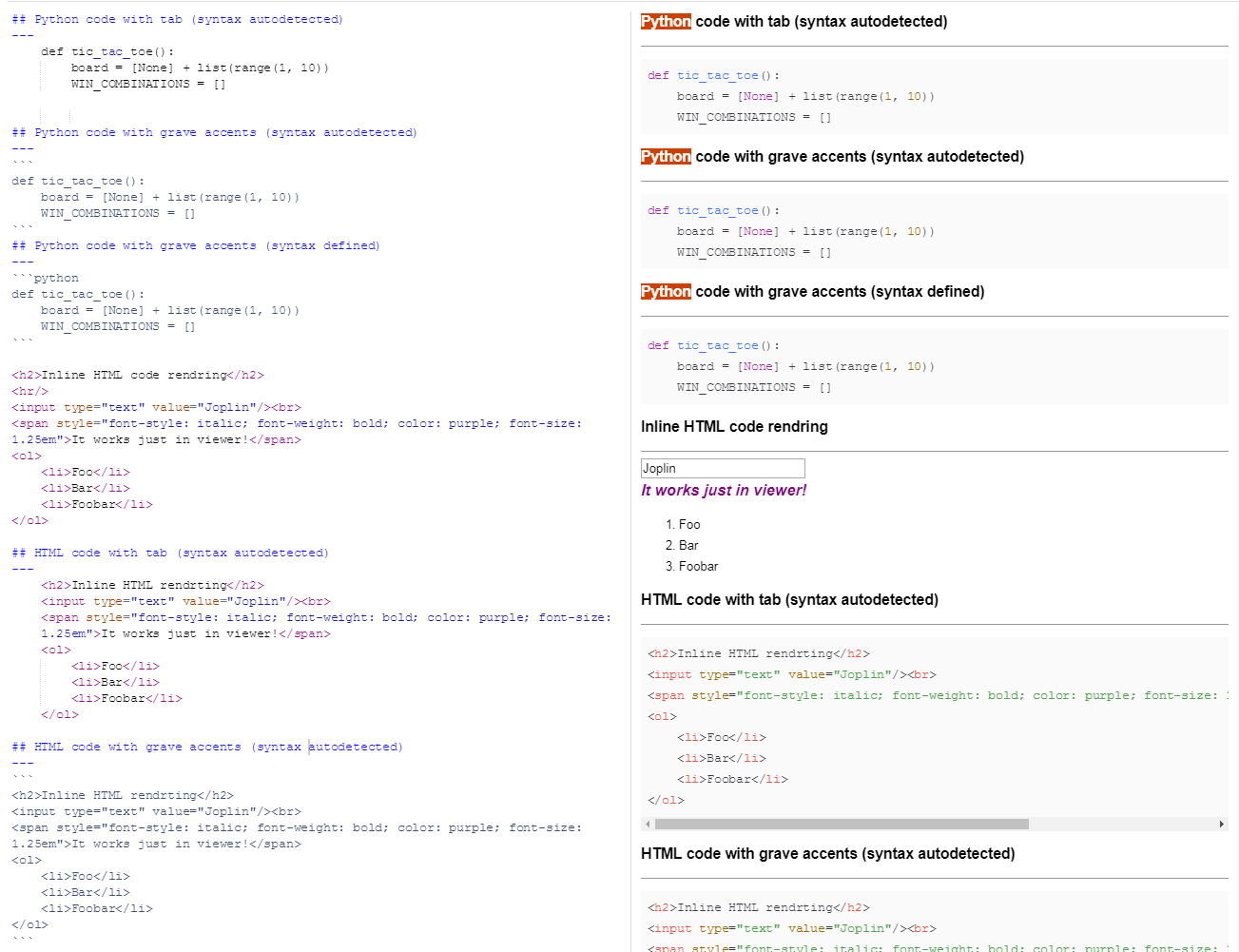
- Automatic code and its syntax detection. But on other hand, Web Clipper just save a code with tabs, looks good in Joplin, but incompatible with another Markdown readers. Manual correction needed.
- Terminal mode.
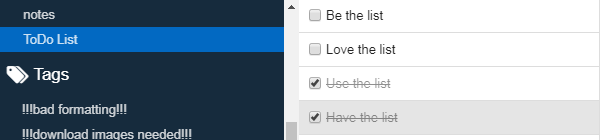
- ToDo mode for notes.
CONS:
- SQL database is not encrypted, so anyone who will be able to get the file on your device will get full access to your data. Seems the developer doesn't want to change it, offers use scripts to encrypt/decrypt database file before/after software running. Sounds like a mad, especially for mobile devices.
- ABC scores notions unsupported.
- At the moment no easy way to clear unused resources manually.
- Common design looks unpolished. For example: in desktop version user have option to define source URL for a note, but with Android version user can only read it on metadata slide.
- No line numbering for edit or even code blocks.
- Not optimized at the moment. Android version has too laggy interface, sometimes top panel invisible 'til you tap it.
- Portable version unpacks full app to OS user dir each time then delete it. Not that thing we expects from portable software, isn't :(
- Too small default font size for KaTeX notions, you're always should use size from
\largeto\Huge
Some exposition
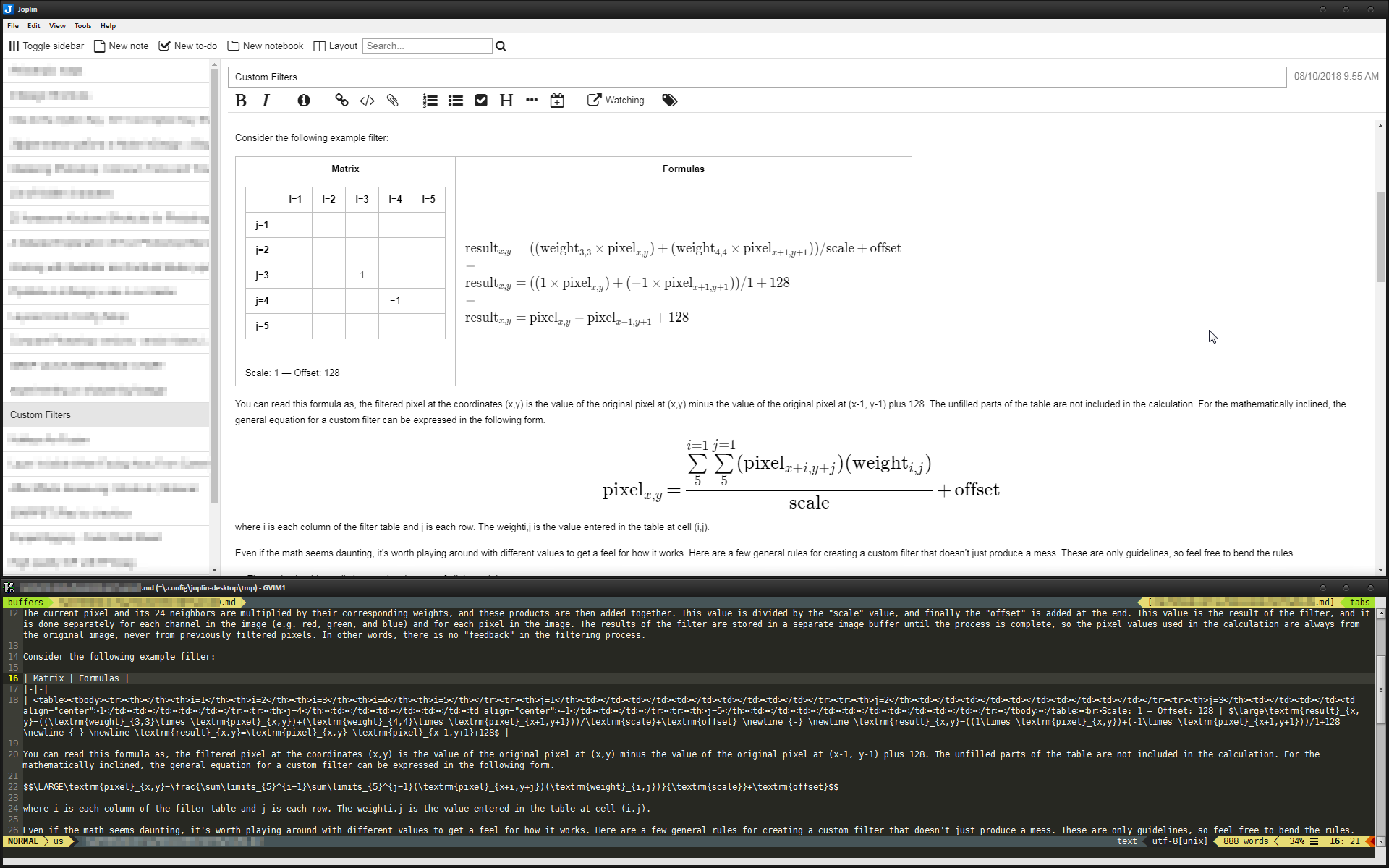
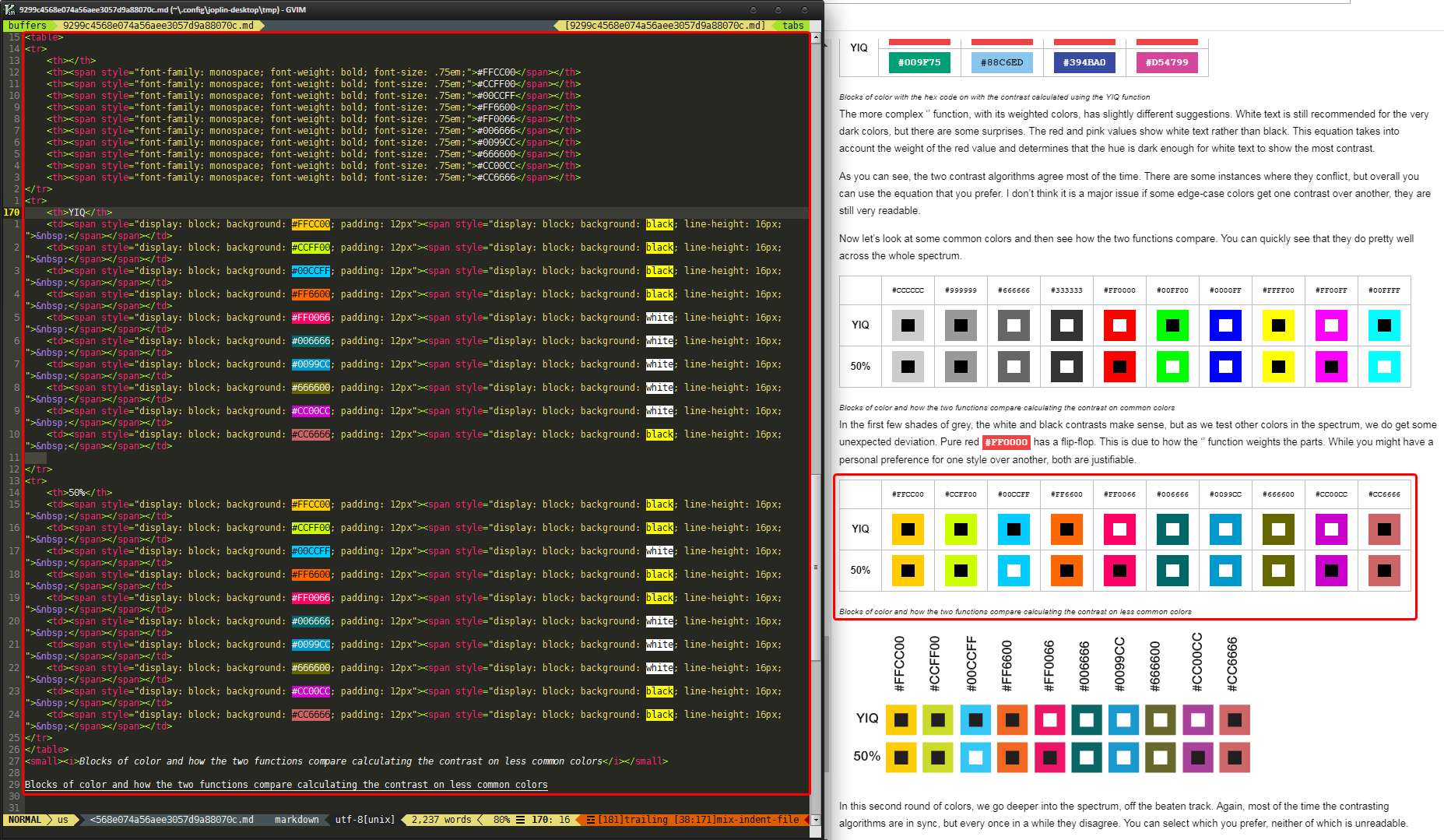
Inline HTML table inside Markdown table, KaTeX math notations and live-editing with Gvim
Auto-detection of code blocks
Local image resources (imported from Evernote backup)
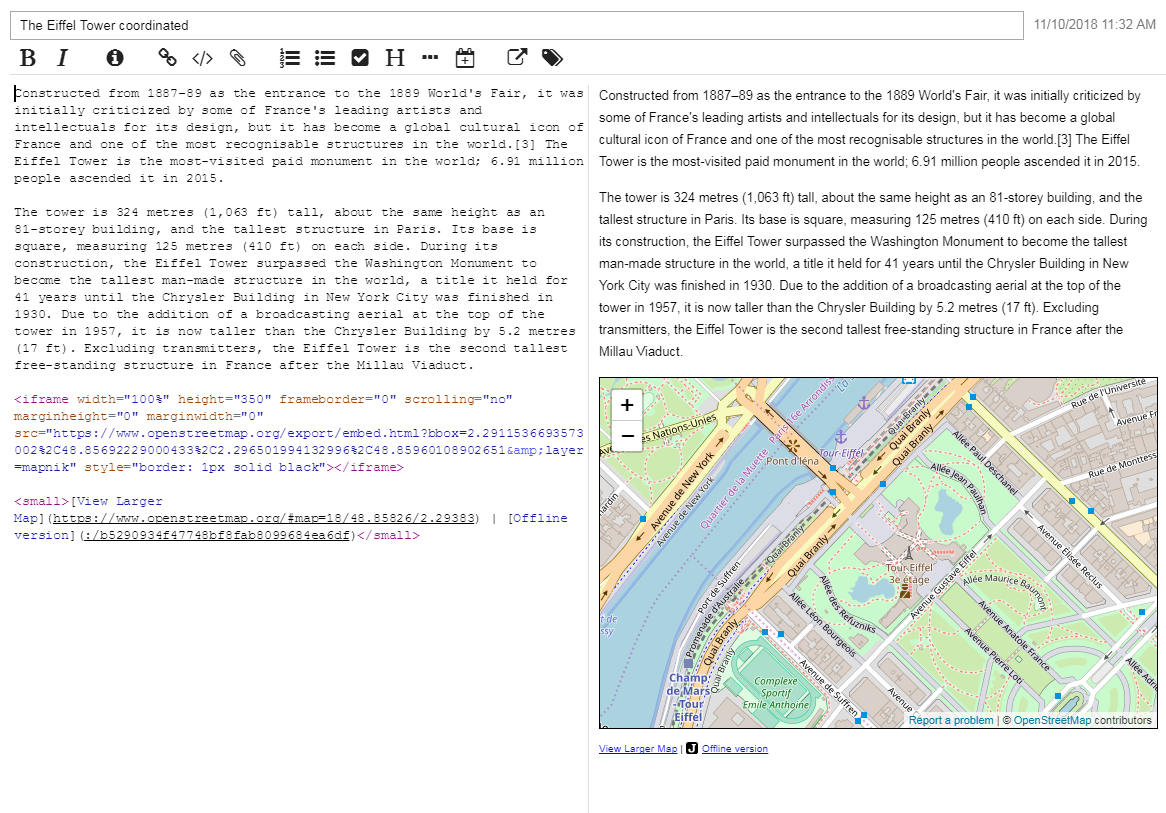
Inline iframe with embeded OpenStreetMap. Link outside main code, styled and added link to local image resource for offline view.
Reduce storage size with replacing extra images with HTML code.
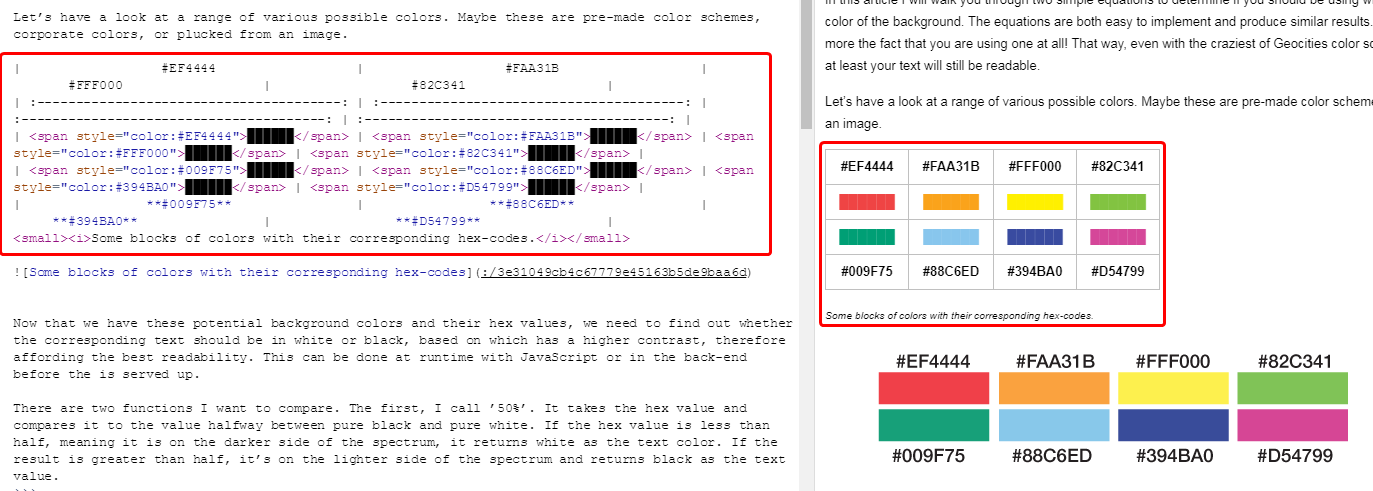
Reduce storage size with replacing extra images with HTML code.
To-Do mode of notes
Web Clipper chrome widget
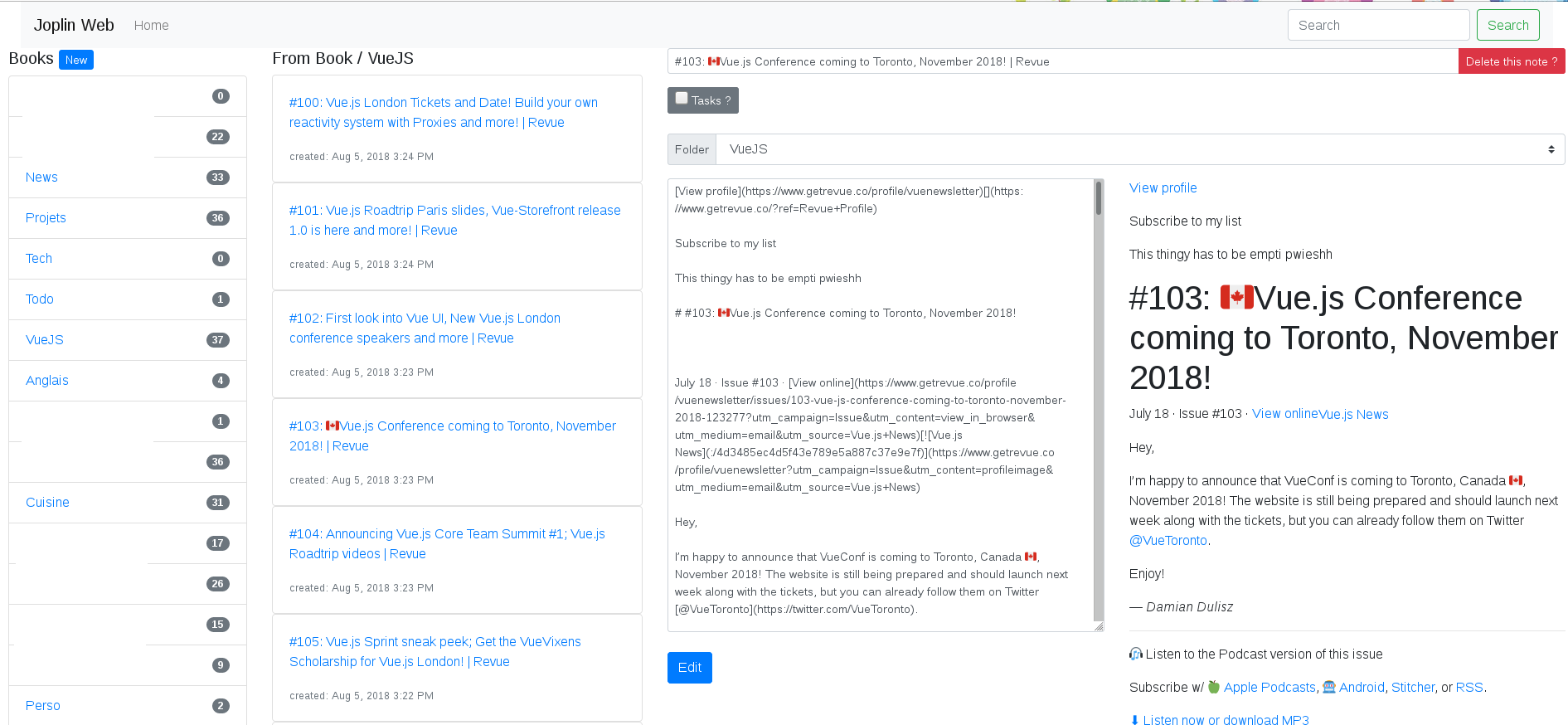
P.S. Because someone asked me about web-client, I’m adding a little bit more exposition:
There’s unofficial web-client for Joplin, but of course it’s for deployment on own web server.
Python Web Client for Joplin