
 @derangedvisions
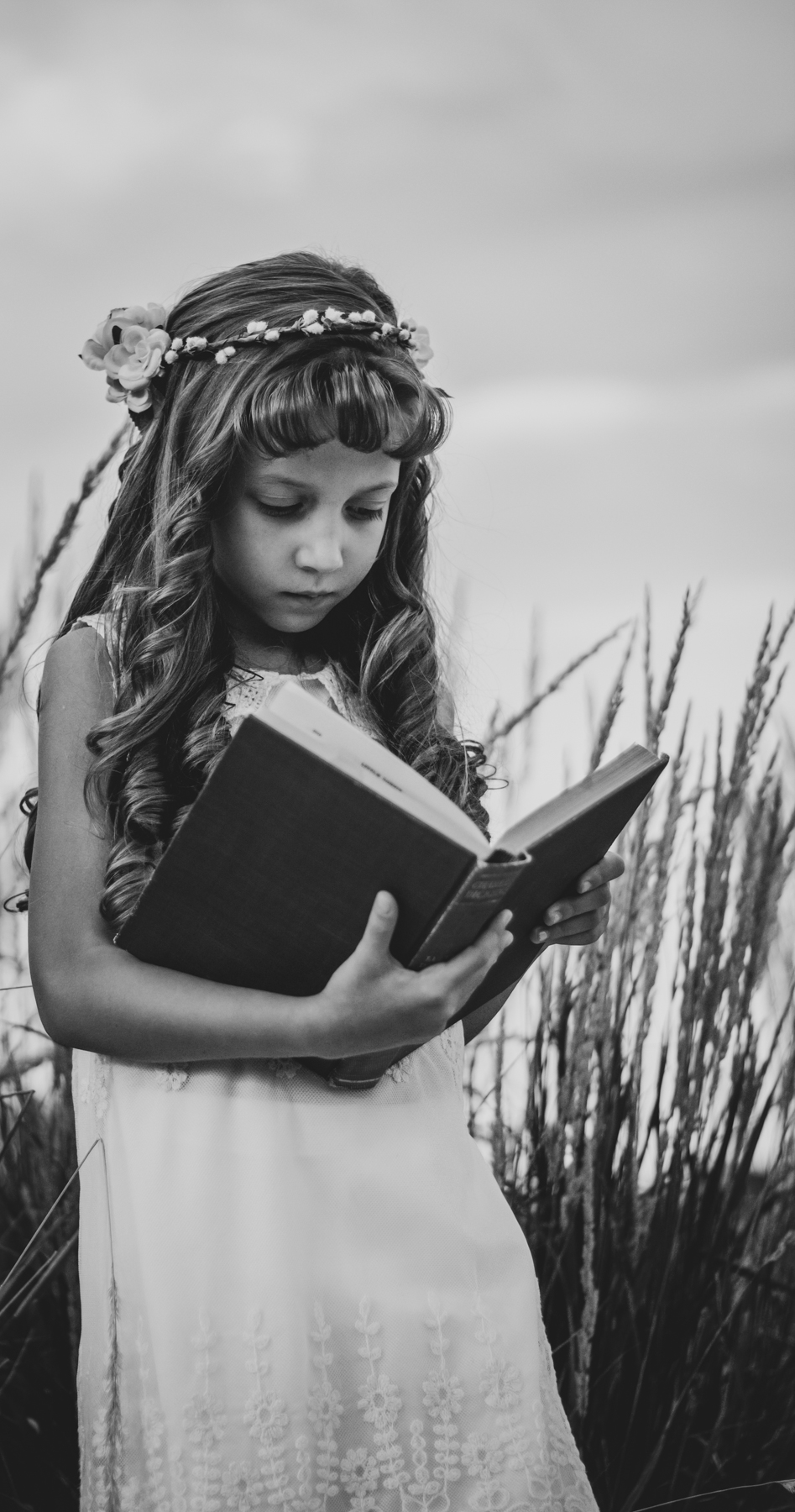
One of my first portrait sessions
This shot was taken during one of my first portrait sessions. I have done quite a few photo shoots for this family since this first one, including a newborn shot.
 @derangedvisions
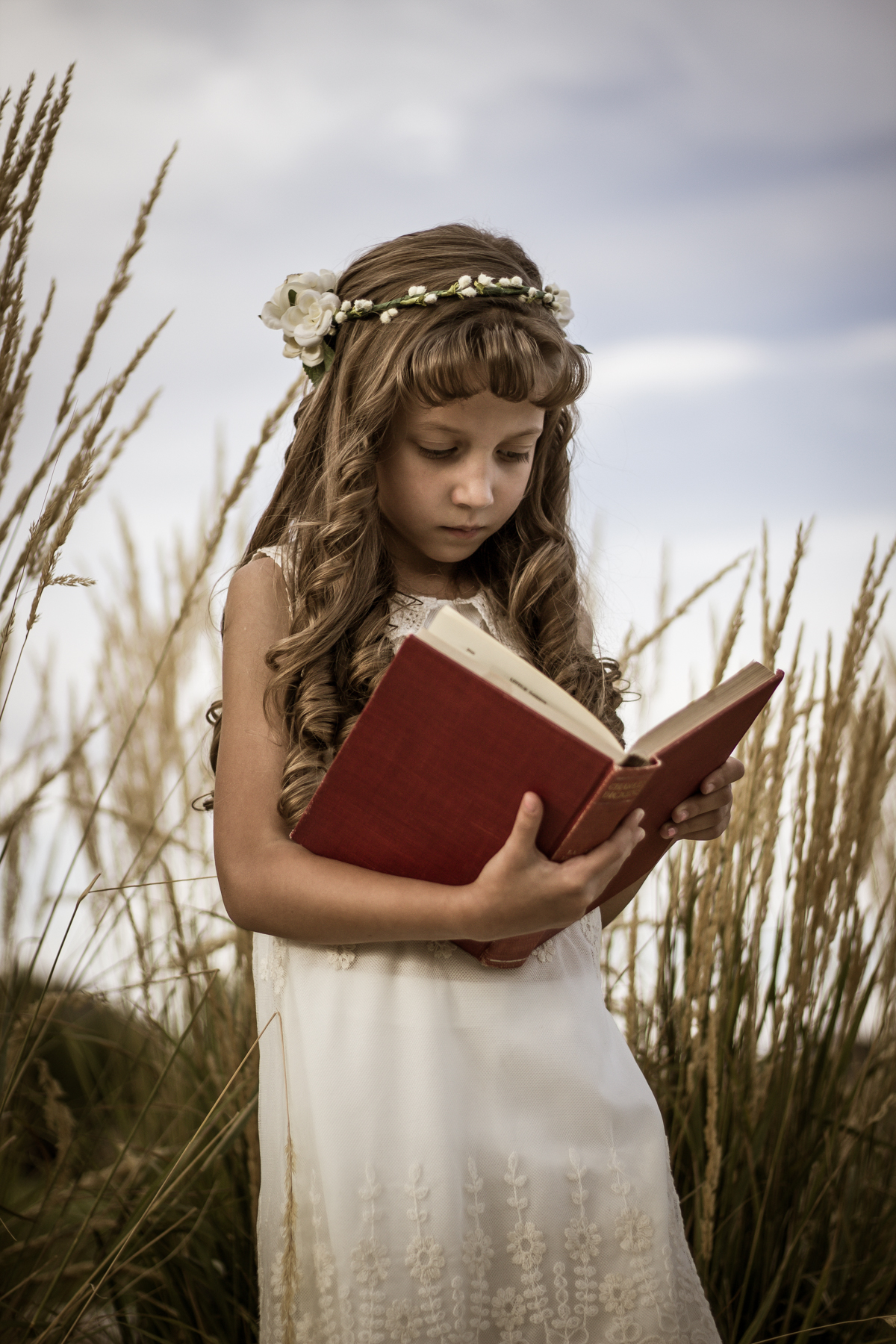
When I re-edited it, I cropped it in more to get rid of some of the distracting parts of the background. I went with a black and white edit for the photos because I really like the look of black and white for portraits. It really gives them a timeless feel to them.
 @derangedvisions
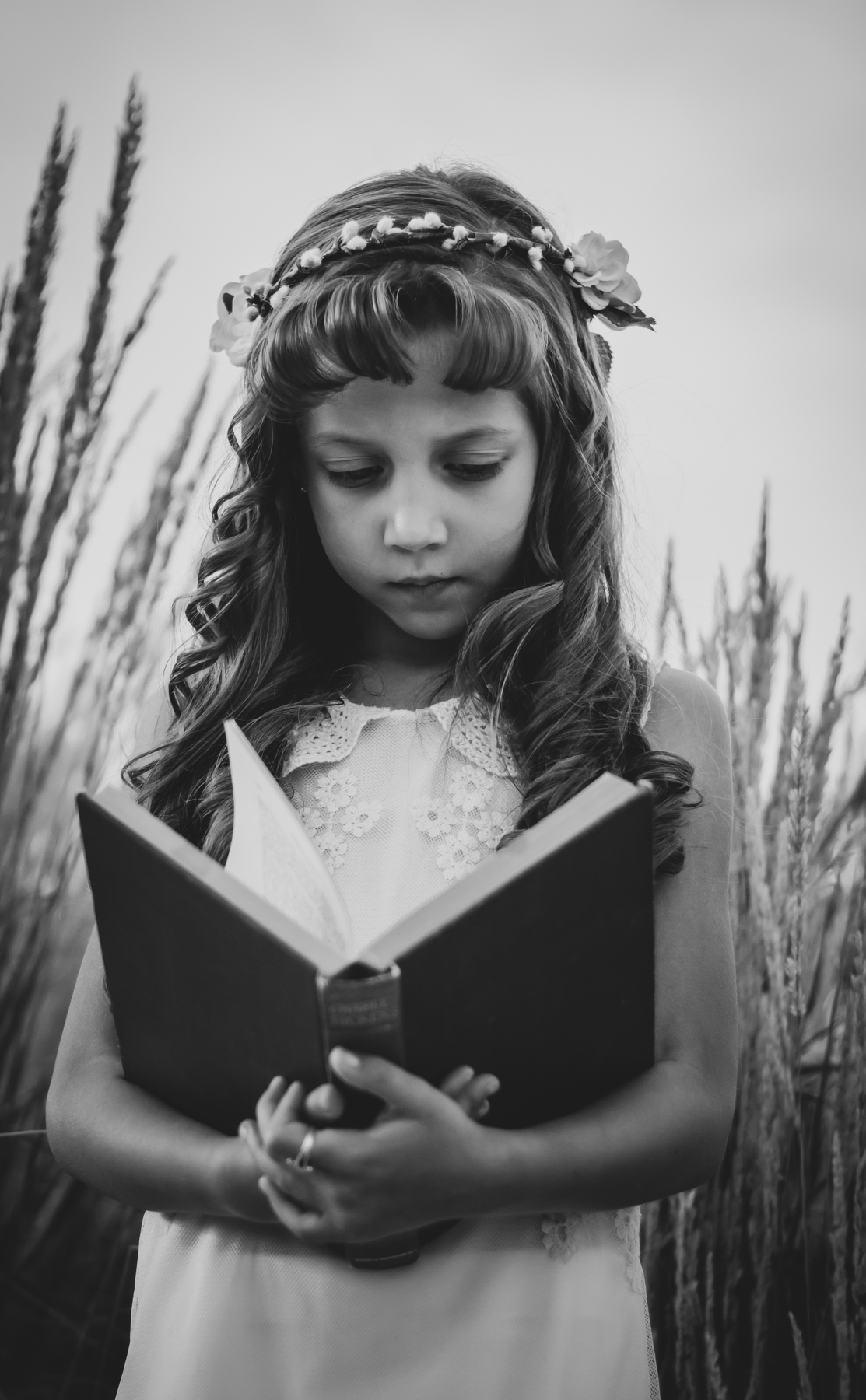
For this one, I brought the crop out some so it wasn't such a tight crop. When I did, there was a small weed sticking into the top left corner. I used the "Spot Removal" tool in Adobe LightRoom to get rid of it so there wasn't a random spot up in the corner.
 @derangedvisions
Overall, I like how the black and white edits turned out. I am a big fan of black and white portraits and I really need to get new family portraits done and get them in black and white.
I hope that you enjoyed this post and some of my thought process behind my editing. Thanks for stopping by, you are awesome!