
💾BeScouted Development Update: 2018 02 25 - Comments UI/UX improvemets to make commenting faster.💾
Visual content discovery has different rules than discovery and appraisal of written content in most of the cases. Content on BeScouted is presented in user profiles and different feeds (Popular, Top, Following, Recent).
click on images to enlarge
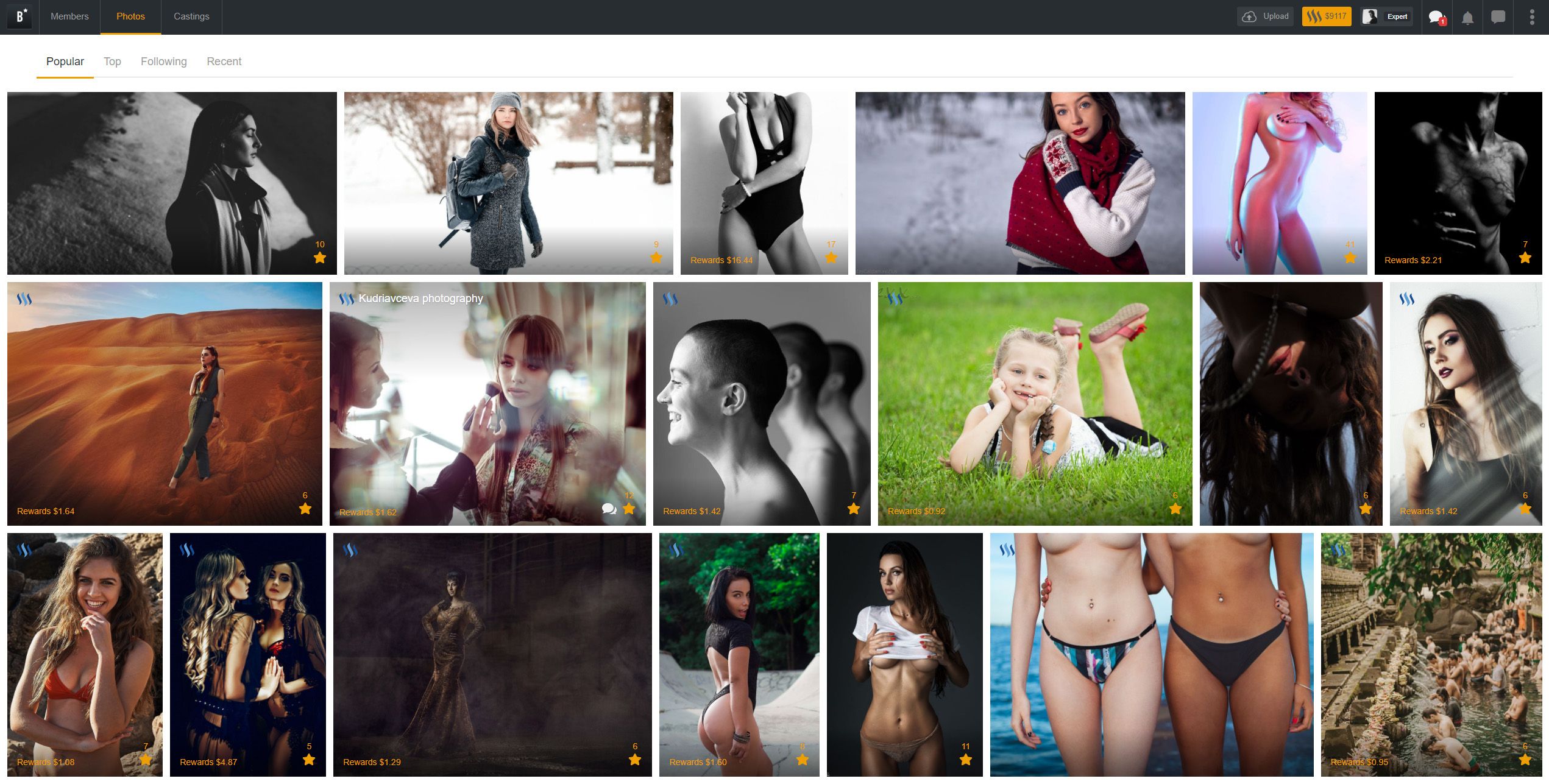
As you can see per this screenshot photo thumbnails are usually large enough by themselves to evaluate content and generate an impression. By clicking on a star icon you will upvote/promote the image, and now we have added a comment shortcut next to it.
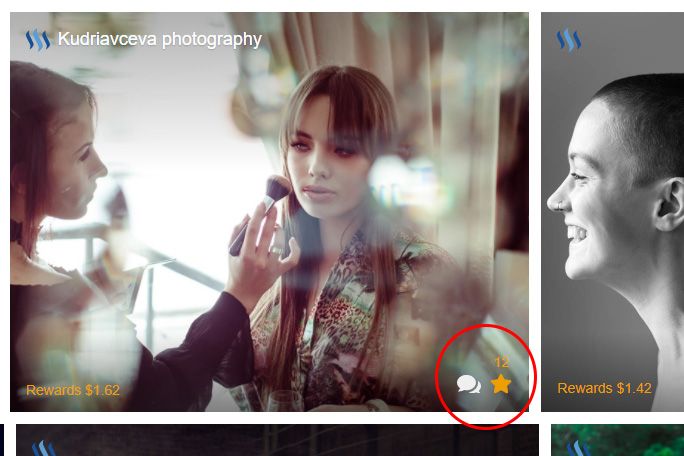
When you click on comment icon a dialog box will open where you can quickly leave your comment and continue browsing. This allows to avoid more complex and time consuming navigation, and saving your time is our priority because we know how busy you are. 20 second commenting rules still applies as on Steemit but if you are faster than that you will get a notification.
In general this was done to increase possible user interactions and feedback as commenting can make a portion of your rewards provided they are meaningful and to the topic. It also allows to build closer social relations that can result in back votes. More comments - more earnings. And now it is easier to comment.
We hope you will enjoy this small but convenient UI/UX change and we will continue to work on further improvements and functionalities.
We are always looking forward to hearing your opinion and suggestions on how to make BeScouted a tool that would be more convenient for you to use. So if you have any thoughts please leave them in the comments below. Good ideas and suggestions will always be rewarded :)
Have a nice weekend!